
NeptunePlay Mobile App
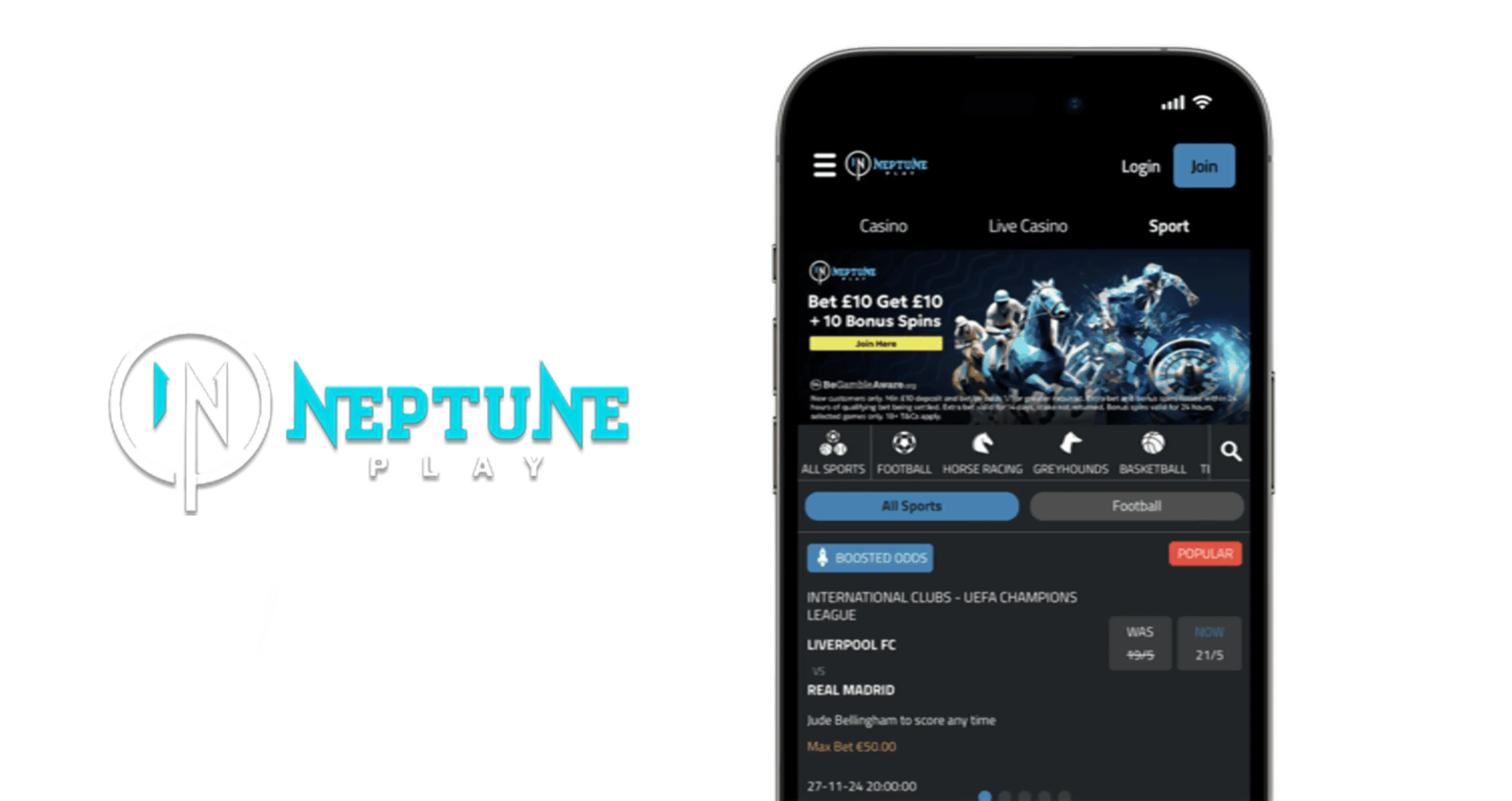


At NeptunePlay Casino, we know that modern players want to carry their favourite casino games in their pocket, and that's exactly why we built our mobile app. Whether you're commuting, relaxing at home, or waiting in line, our Android application gives you instant access to slots, live dealer tables, and all the promotions you love. Here at Neptune Play, we've focused on speed, security, and simplicity so that every session feels smooth from the moment you open the app.
Our NeptunePlay app brings together everything that makes the desktop site great, condensed into a fast, lightweight package designed specifically for mobile devices. Below, we'll walk you through how to download it, what it offers, and why thousands of UK players choose us for their mobile gaming sessions.
Security and Licensing
Player safety is something we take seriously at NeptunePlay. Our platform operates under UK Gambling Commission oversight, with account details tied to Anakatech Interactive Limited as the current licensee. The app uses encrypted connections for every transaction and login, so your personal and payment information stays protected whether you're browsing on Wi-Fi or mobile data.
Why Players Choose Our App
We've heard from our community that convenience matters just as much as game selection, and that's reflected in everything we've built. Here's what sets the Neptune Play app apart:
- Fast loading times even on slower mobile connections
- Full access to our loyalty programme, from New Member through to Prestige tier
- Seamless switching between slots, live casino, and table games
- Instant notifications for active promotions and free spins
- No need to compromise on game quality compared to desktop
How to Download the NeptunePlay App
Getting started with our app is straightforward, and we've made the process as simple as possible for both new and existing members.
For Android Users
We currently offer our dedicated application exclusively for Android devices. Since the Neptune Play app isn't distributed through the Google Play Store, you'll need to download it directly from our official website.
For iOS Users
At the moment, we don't offer a native iOS application. iPhone and iPad players can still enjoy everything our casino has to offer through our fully optimised mobile browser version, which runs smoothly on Safari and other mobile browsers without requiring any download at all.
Installation Steps
- Open your mobile browser and visit the NeptunePlay official site
- Log in to your account or register if you're a new player
- Locate the Android app download link, usually found in the footer or mobile menu
- Allow installation from unknown sources in your device settings
- Download and install the apk file
- Open the app, sign in, and you're ready to play
Logging Into Your NeptunePlay Account
Once installed, signing in to NeptunePlay is quick. Simply enter your registered email and password on the login screen, and you'll land directly on your account dashboard. If you've forgotten your details, a password reset option is available right on the login page. We've designed the sign-in flow to be as frictionless as possible, so you can get straight to the games without unnecessary steps.
What You Can Play on the NeptunePlay App
Our game library doesn't shrink when you switch to mobile. The NeptunePlay app gives you access to the same extensive catalogue found on the desktop site, including:
- Over 2,200 slot titles from providers like Play'n GO, NetEnt, Pragmatic Play, and Big Time Gaming
- 170+ live dealer games, with 112 supplied by Evolution
- Progressive jackpot slots for those chasing bigger wins
- Classic table games including blackjack, roulette, and craps
- Video poker variants such as Joker Poker and Jacks or Better
Our Neptune Play catalogue is updated regularly, so whether you're into high-volatility slots or prefer the social atmosphere of live dealer tables, you'll find plenty to keep you entertained directly from your phone.
Managing Deposits and Withdrawals on Mobile
We've built our banking system to work just as well on mobile as it does on desktop. You can deposit using Visa Debit, Mastercard Debit, PayPal, Apple Pay, Trustly, Skrill, Neteller, Paysafecard, or bank transfer, all with a minimum of £10. Withdrawals follow the same £10 minimum and can be processed through most of the same methods, excluding Paysafecard, which requires an alternative payout option.
Our operator processing window for withdrawal requests is 0-24 hours, after which funds typically arrive via PayPal the same day, Skrill and Neteller within a day, cards within 2-5 business days, and bank transfers within 1-3 business days. Keep in mind that KYC verification, including a valid passport or driving licence and proof of address, must be completed before your first cashout is released.
Claiming Bonuses Through the App
One of the best parts of playing with us on mobile is that you never miss out on promotions. Our Neptune Play app gives you full access to active offers, including our NeptunePlay bonus and ongoing campaigns.
| Offer | Details |
|---|---|
| Welcome Bonus | 100% match up to £100 on your first deposit, minimum £10, 40x wagering, claim within 72 hours |
| Daily Spin Frenzy | Up to 50 free spins |
| Weekend Live Cashback | 10% cashback on net losses, up to GBP 20 |
| Free-Spin Drops | Opt-in campaigns, value varies |
To activate any offer through the app, head to the promotions tab, opt in where required, and make a qualifying deposit. Our team makes sure that every bonus code and offer available on desktop works identically within the application, so there's no compromise when you play on the go.
Customer Support While Using the App
We offer multiple ways to reach our support team directly from within the app or browser:
- Live Chat: available daily from 08:00 to 00:00 for registered customers
- Email: [email protected]
- On-site contact form: accessible from your account dashboard
While we don't currently offer telephone support, our live chat team responds quickly and can handle most account, deposit, or game-related questions in real time.

Final Thoughts
Our NeptunePlay app brings the full casino experience into your hands, combining a massive game library, flexible payment options, and responsive support into one convenient package. Whether you're downloading the Android application or using our browser-based mobile site on iOS, we've made sure that quality and reliability come standard. We'd love to have you join us and see what mobile gaming at Neptune Play feels like, and getting started is easy with quick NeptunePlay sign up.
FAQ
Is there a NeptunePlay app for iPhone?
We don't currently offer a native iOS app, but our mobile browser version works smoothly on iPhone and iPad through Safari or any other browser.
Where can I find the NeptunePlay casino apk file?
We provide the Android apk directly on our official website rather than through the Google Play Store. You'll find the download link after logging in to your account.
Do I need to log in separately on the app?
Yes, you'll use the same login credentials as your desktop account. If you've forgotten your password, you can reset it directly from the app's login screen.
Can I claim free spins through the mobile app?
Absolutely. All active promotions, including our Daily Spin Frenzy and Free-Spin Drops, are fully accessible through the app's promotions tab.
How long do withdrawals take when using the app?
Our processing window is 0-24 hours, and after that, timing depends on your chosen method, ranging from same-day PayPal payouts to 1-3 business days for bank transfers.
Is the NeptunePlay app safe to use?
Yes, we operate under UK Gambling Commission licensing and use encrypted connections throughout the app to keep your data and transactions secure.
Content updated: October 23, 2026